
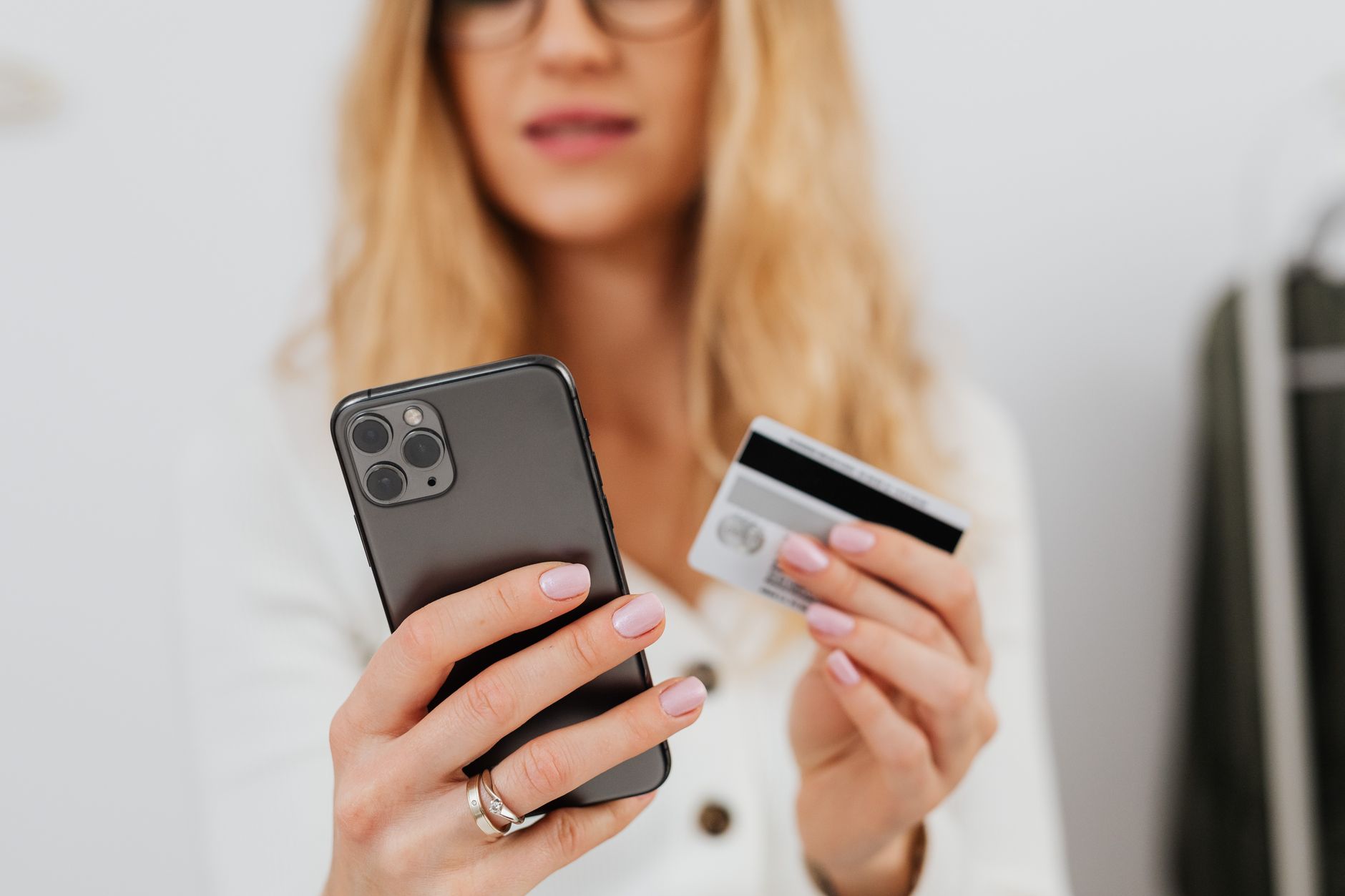
Imagine walking into a mall, grabbing a cup of coffee, and paying with a simple tap of your iPhone. That’s the promise of Apple Pay, and for the first time, the Philippines can finally enjoy it. No more fumbling for cash or swiping a card that might not be accepted. Instead, a few taps and a quick glance at your phone unlocks a world of convenience. But how does it work in a country where digital payments are still catching up? Let’s dive in.
What's Going On
According to TechPinas, Apple Pay is now available in the Philippines, marking a major milestone for the island nation’s fintech scene. The rollout follows a series of regulatory approvals and partnerships with local banks that have opened the door for Apple’s secure, token‑based payment system. The announcement comes at a time when the Philippine Central Bank has been pushing for a more robust digital economy, and Apple’s entry is seen as a catalyst for broader adoption of mobile wallets.
While the news has been buzzing, many Filipinos are still unsure whether their bank cards will work, how to add them to Apple Pay, and whether the service will support Apple Watch or only iPhone. The answer? It’s all about the specific banks and card types that have been approved by Apple’s payment network. In the following sections, we’ll walk through the exact steps to set up Apple Pay, list the supported cards, and explain why this rollout matters for consumers and the industry alike.
Apple has always positioned its payment platform as a secure, privacy‑first alternative to traditional card transactions. By tokenizing each transaction, Apple Pay keeps your actual card number hidden from merchants and reduces the risk of fraud. This is especially relevant in a country where card fraud has historically been a concern. With Apple Pay, the transaction data is encrypted, and the device itself must be authenticated via Face ID, Touch ID, or a passcode before the payment is authorized.
Why This Matters
Industry analysts at Mashable note that the introduction of Apple Pay in the Philippines could accelerate the shift from cash to digital payments by 30% over the next two years. The analysts argue that Apple’s ecosystem, which already includes iCloud, Apple Music, and the App Store, offers a seamless experience that encourages users to stay within the Apple ecosystem. This can have ripple effects on local merchants, banks, and payment processors, who will need to adapt to the new payment flow.
Beyond the numbers, Apple Pay’s presence signals a growing confidence in the country’s digital infrastructure. The Philippine Central Bank’s recent push for a “cashless society” has been met with mixed reactions, but the adoption of a globally recognized payment platform like Apple Pay lends credibility to these efforts. It also means that Filipino consumers can now use a single device to pay for a wide range of goods and services, from groceries to rideshares, without worrying about card compatibility.
Who is affected? Small businesses, large retailers, and even government agencies that accept card payments stand to benefit from the increased security and speed of Apple Pay transactions. Meanwhile, banks that have partnered with Apple can see higher card usage, which translates into more revenue from interchange fees and potentially lower fraud losses.
What It Means for the Industry
As TechRadar explains, the integration of Apple Pay into the Philippine payment ecosystem could lead to a paradigm shift in how merchants process transactions. The tokenization model reduces the need for merchant processors to store sensitive card data, thereby lowering PCI compliance burdens. This can be especially advantageous for small merchants who may not have the resources to manage complex security protocols.
The shift also encourages banks to innovate. With Apple Pay, banks must provide APIs that allow for token generation, transaction reporting, and real‑time settlement. This pushes local banks toward more open banking practices, aligning them with global standards. In the long run, such collaboration could accelerate the development of a unified digital payment platform that supports multiple wallets, loyalty programs, and even cryptocurrency transactions.
Strategically, Apple’s entry into the Philippine market also puts pressure on competitors like Google Pay, Samsung Pay, and local services such as GCash and PayMaya. While these services already enjoy high penetration, Apple Pay’s brand equity and seamless integration with hardware devices could carve out a niche segment of users who prioritize security and convenience over sheer volume.
What Happens Next
For a deeper dive into the rollout details and future plans, Cybersecuritynews reports that Apple will continue to expand its partner list, focusing on banks that can meet its stringent security requirements. The company has already signed agreements with major Philippine banks such as BDO, BPI, and Metrobank, and is in talks with several others. The expansion will also include support for Apple Watch, allowing users to tap their wrist for payments at the same speed as an iPhone.
Looking ahead, the next wave of updates could bring Apple Pay to the Apple Watch Series 9 and beyond, and even support for contactless payments via the iPhone’s NFC chip. Apple is also rumored to be exploring partnerships with local fintech firms to offer bundled services, such as reward points and installment payments, directly within the Apple Pay interface.
How to Set It Up
Setting up Apple Pay on your iPhone is a straightforward process, but it’s worth knowing the exact steps to avoid common pitfalls.
Step 1: Open the Wallet app
On your iPhone, locate the Wallet app icon. If you don’t see it, swipe down from the middle of your screen and type “Wallet” in the search bar.
Step 2: Add a new card
Tap the plus sign (+) in the upper right corner. You can either use your camera to scan your card or enter the details manually.
Step 3: Verify your card
Your bank will typically send a verification code via SMS, email, or a phone call. Enter this code in the Wallet app to confirm ownership.
Step 4: Set Apple Pay as default
Once your card is added, you can set it as the default payment method by tapping “Default Card” and selecting your preferred card.
Step 5: Enable Face ID or Touch ID
Navigate to Settings > Face ID & Passcode or Touch ID & Passcode, and ensure that Apple Pay is enabled under “Use with Apple Pay.” This will allow you to authenticate payments with a quick glance or fingerprint.
After completing these steps, you’re ready to start using Apple Pay. When you’re ready to pay, simply double-click the side button (or the home button on older models) to bring up your default card, place your finger on the Touch ID sensor or look at the Face ID camera, and hold the top of your iPhone near the payment terminal.
Supported Cards
Apple Pay in the Philippines currently supports a range of Visa, Mastercard, and American Express cards issued by partner banks. Below is a quick reference guide for the most common cards:
- BDO – Visa, Mastercard
- BPI – Visa, Mastercard, American Express
- Metrobank – Visa, Mastercard
- Security Bank – Visa, Mastercard
- UnionBank – Visa, Mastercard
It’s important to note that not all cards from these banks are automatically eligible. Some may require additional verification steps, such as a one‑time passcode or a call to the bank’s customer service. Always check with your bank’s customer support for the most up‑to‑date information.
Security & Privacy
Apple’s security model is built around the concept of tokenization. Each Apple Pay transaction uses a unique token that is specific to the merchant and the transaction amount. This means that even if a merchant’s database is compromised, the token cannot be used elsewhere. Additionally, Apple does not store your actual card number on the device or in the cloud, and it never shares this data with merchants.
For users concerned about privacy, Apple also offers a “Private Transaction” feature that masks the merchant’s name until you confirm the payment. This can be particularly useful in a country where merchants may not be fully transparent about their pricing.
Apple Pay vs. Other Wallets
When comparing Apple Pay to other popular wallets in the Philippines, such as GCash or PayMaya, several key differences emerge:
- Security: Apple Pay’s tokenization and biometric authentication provide a higher level of security compared to many local wallets that rely solely on passwords.
- Acceptance: While GCash and PayMaya are widely accepted in online platforms and certain physical stores, Apple Pay’s acceptance is growing rapidly in malls, supermarkets, and restaurants that use contactless card readers.
- Integration: Apple Pay is deeply integrated into the iOS ecosystem, making it easier to use for users who already own an iPhone or Apple Watch.
- Rewards: Local wallets often offer cashback or loyalty points, whereas Apple Pay’s rewards depend on the issuing bank’s offerings.
Potential Challenges
Despite its many advantages, Apple Pay’s rollout in the Philippines faces a few hurdles:
- Merchant Readiness: Not all merchants have upgraded their POS systems to accept contactless payments. While many larger retailers have made the switch, smaller establishments may still rely on traditional swiping.
- Bank Participation: Although major banks have joined, some regional banks have yet to sign agreements with Apple. This limits the number of cards users can add.
- Digital Literacy: A segment of the population remains accustomed to cash transactions. Education campaigns will be essential to drive adoption.
Conclusion
Apple Pay’s arrival in the Philippines is more than just a new payment option; it’s a signal that the country’s digital economy is ready for the next level of sophistication. With secure tokenization, biometric authentication, and a growing list of partner banks, Apple Pay offers a compelling alternative for both consumers and merchants. While challenges remain, the momentum is undeniable, and the future looks bright for a cash‑less Philippines.
Whether you’re a tech enthusiast eager to try the latest Apple feature or a small business owner looking to reduce fraud, the time to embrace Apple Pay is now. Grab your iPhone, add a card, and experience the convenience of a tap‑and‑go payment that’s secure, private, and increasingly ubiquitous across the archipelago.


